

Electrical Plant Care Systems
Just replace the product lid.
The Hydrozen electronic module will take care of your sensitive plants—you can set your own timer, rely on soil moisture levels, or use both.
Special offers available for businesses.
Please contact us at: info@hydrozenith.com
Deliveries from End/August


A Watch Dog for your Plant
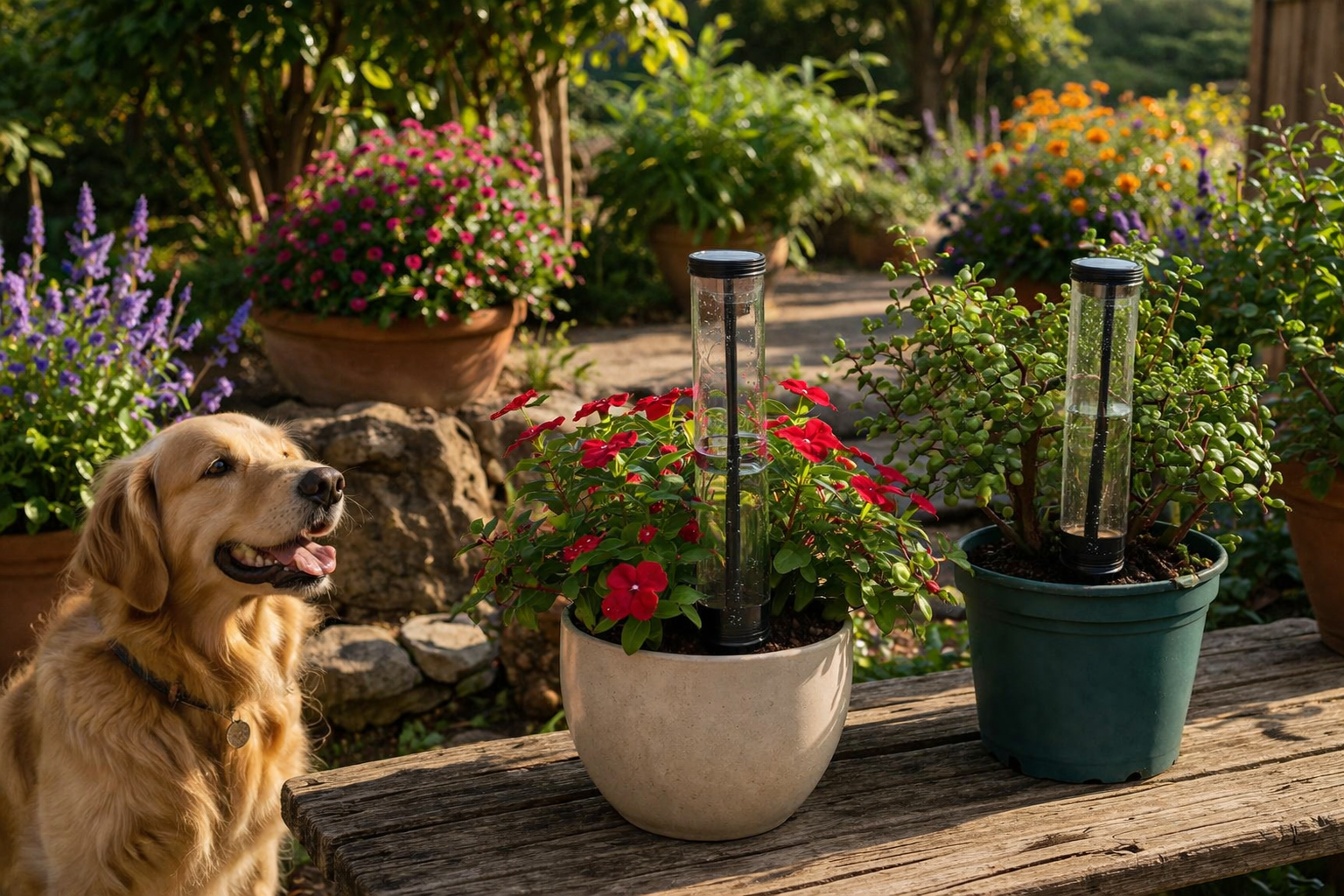
Hydrozen E1 is an add-on electronic module designed to serve as a lid for the Hydrozen M1 system.
This system continuously monitors your sensitive plants and releases water based on your preferences or the plants’ needs.
Electrical plant care system instruction manual:
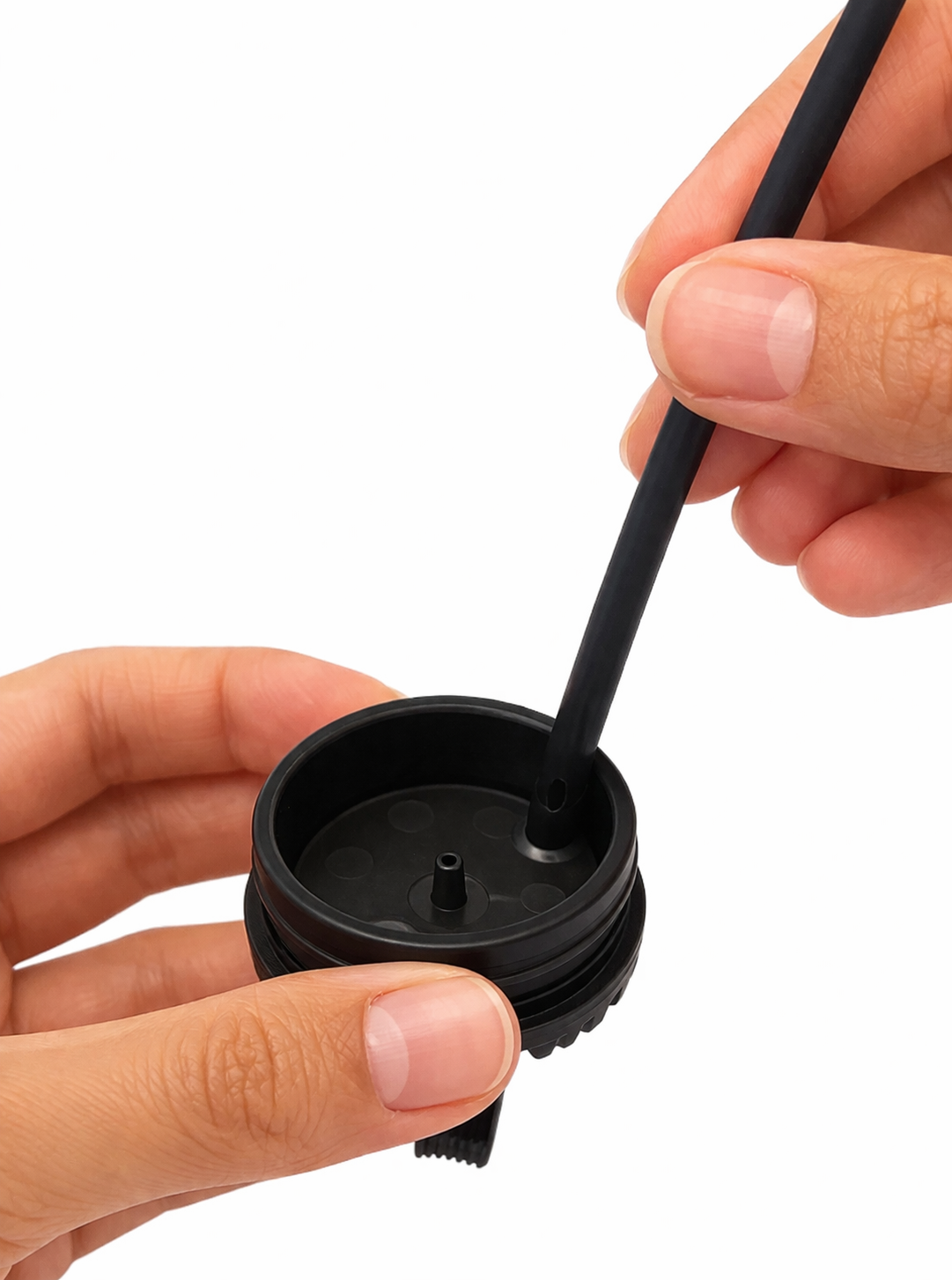
1 Connect the hose and ensure that it is fully inserted.
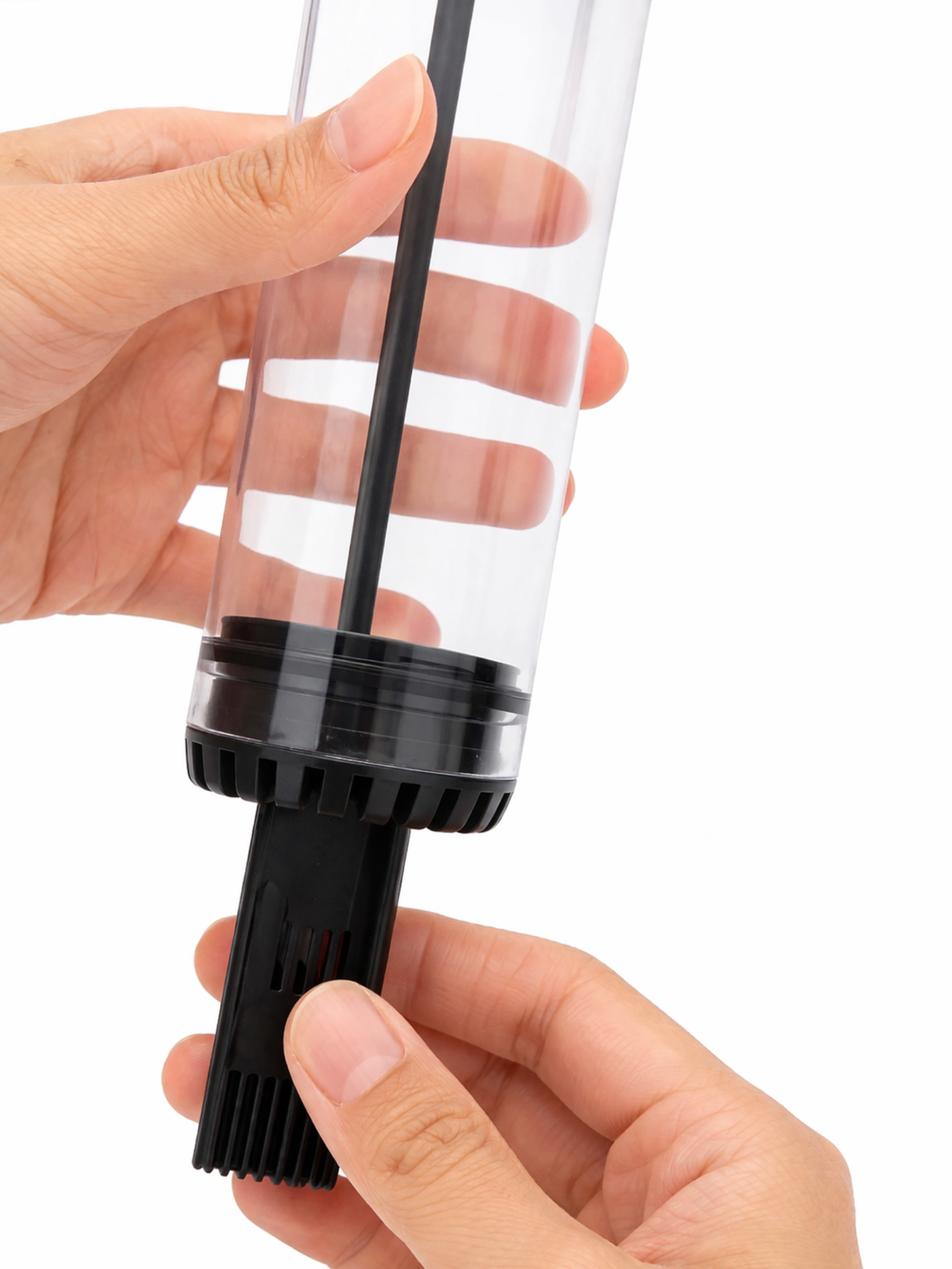
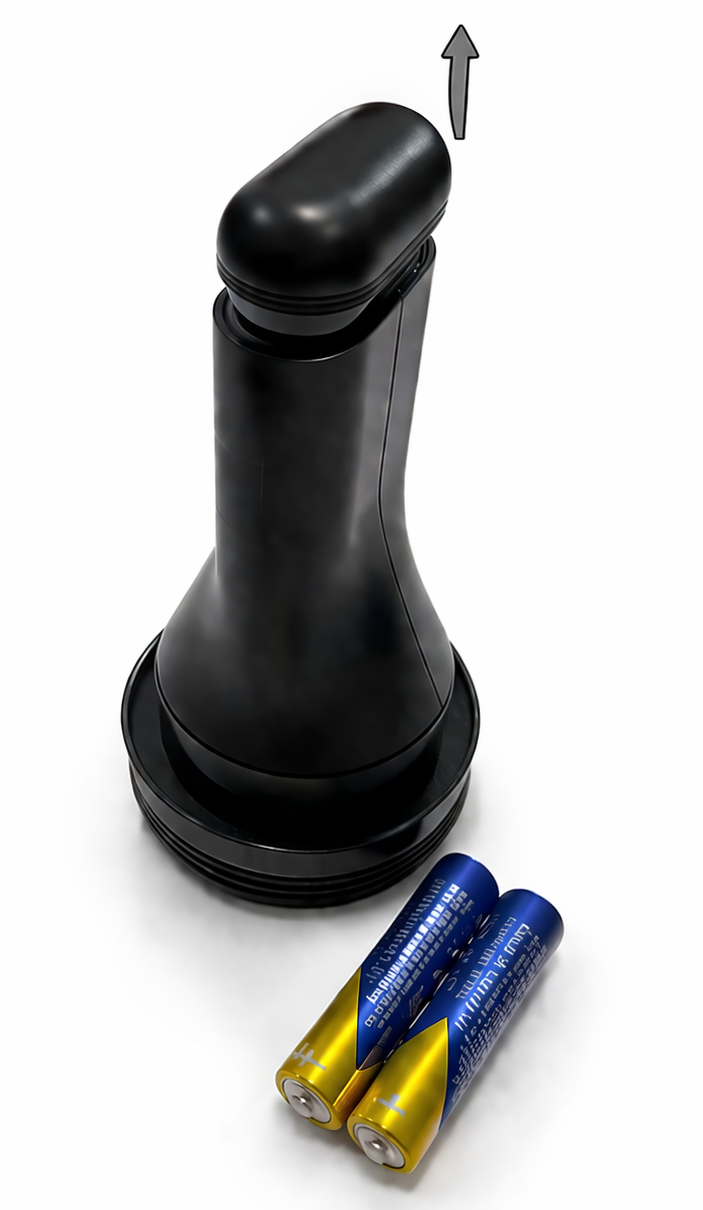
2 To ensure a smooth installation, first moisten the transparent tube with a little water to provide better lubrication. Once wet, gently press the sensor into the tube using a slow, steady motion until it is securely in place.
3 Open the battery compartment and insert the batteries, ensuring correct polarity.
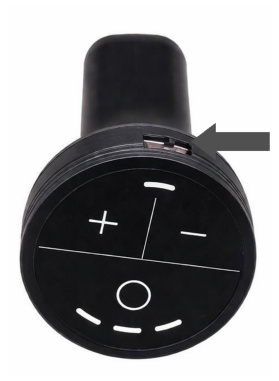
4 Turn on the device by sliding the switch.
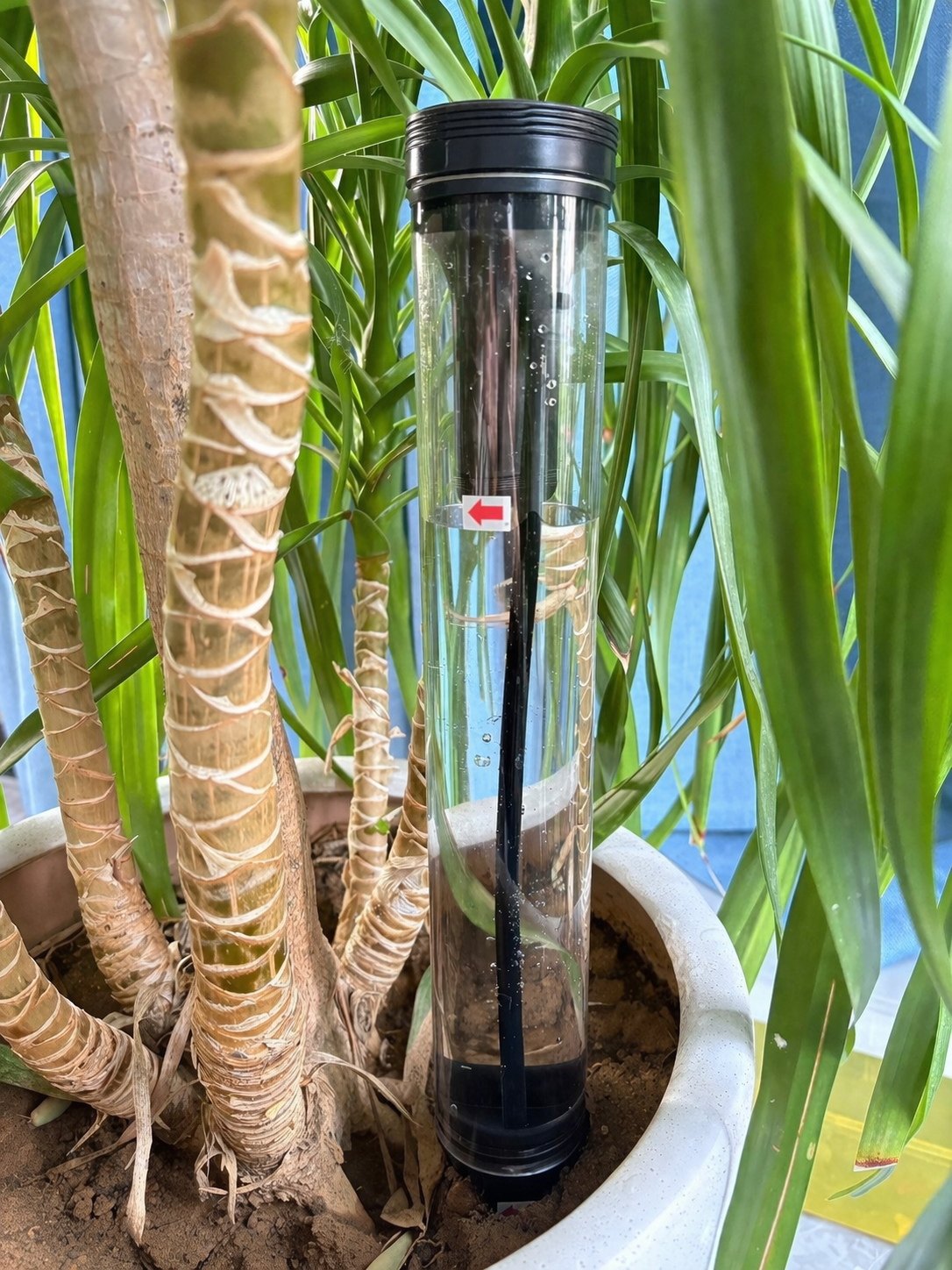
5 Fill the container with water up to the MAX mark on the tube. Do not exceed this level. Close the lid, then the device will irrigate automatically.
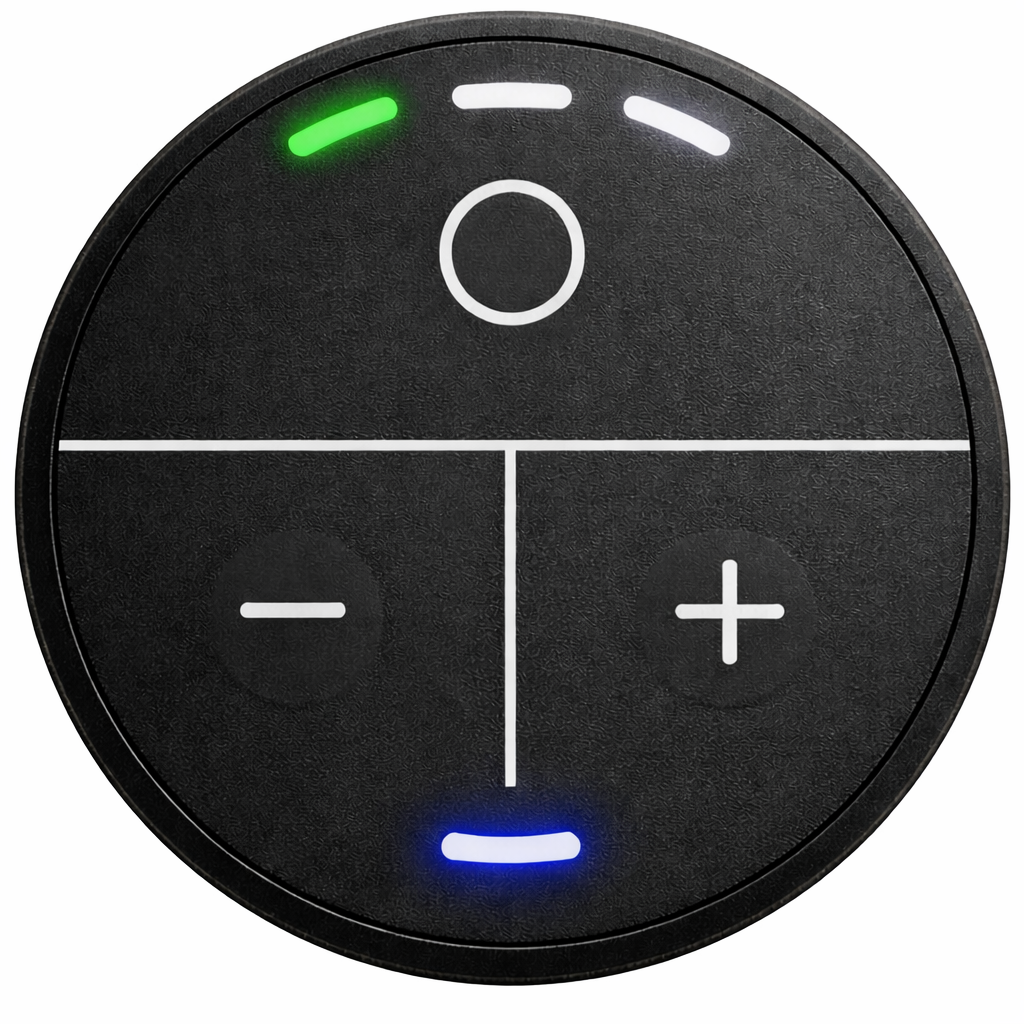
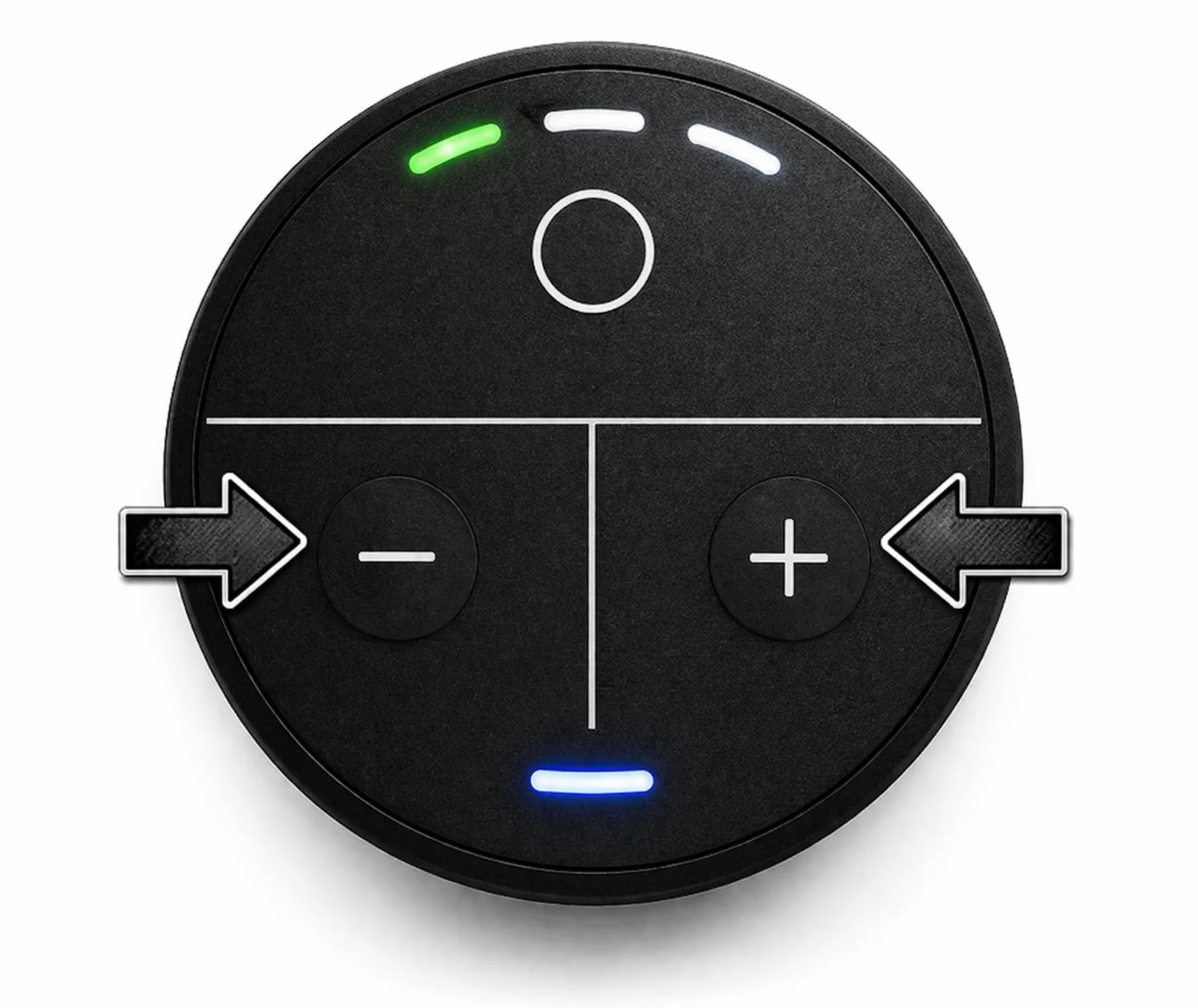
6 Set the timer from 1 to 6 days by pressing the “+” or “-” buttons. The device LEDs indicate the selected setting in six steps.
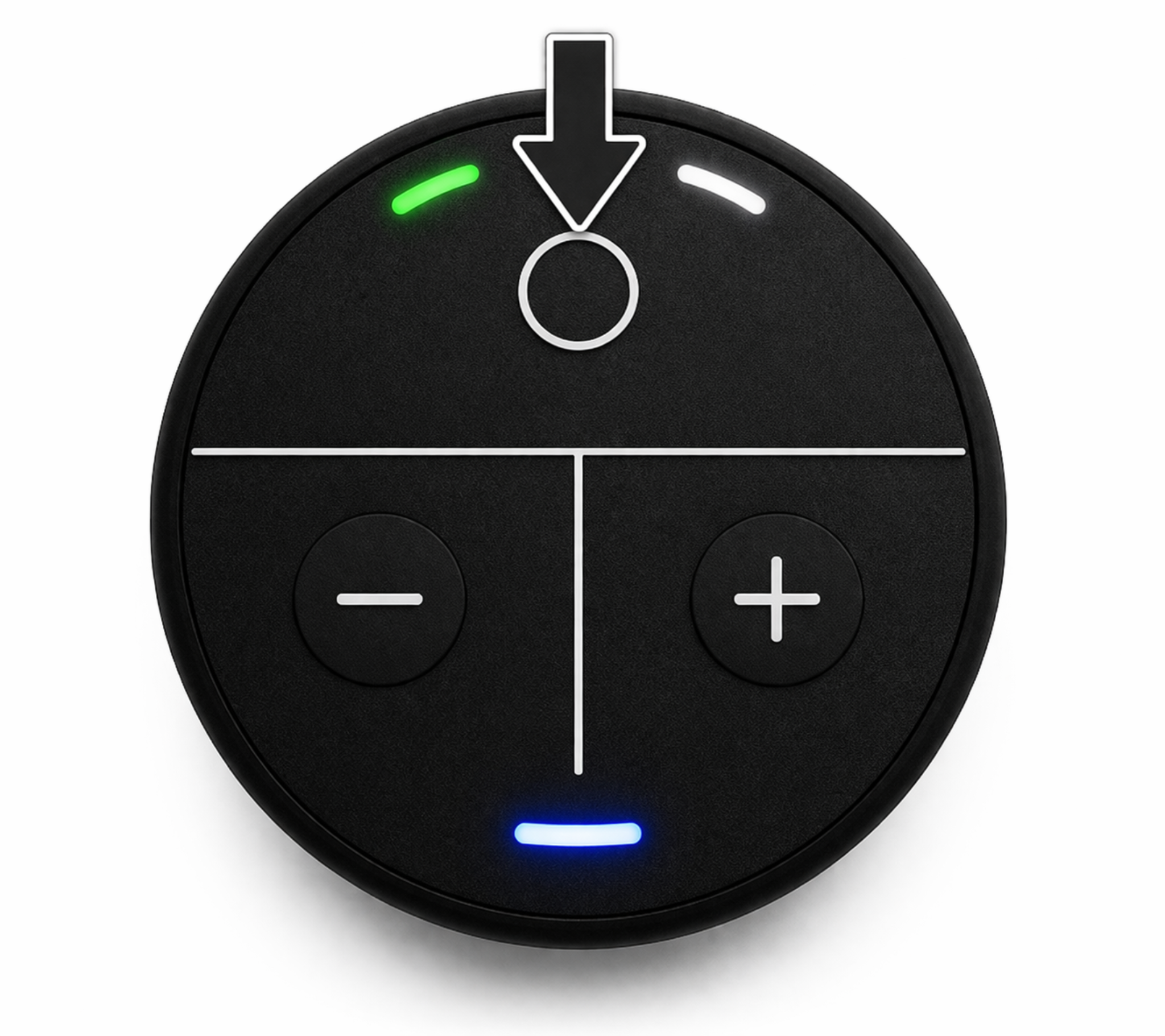
7 Press the “O” button briefly (blue LED turns on). Set irrigation time (5-30 seconds) using “+” or “-”. Press “O” again to return to the day setting.
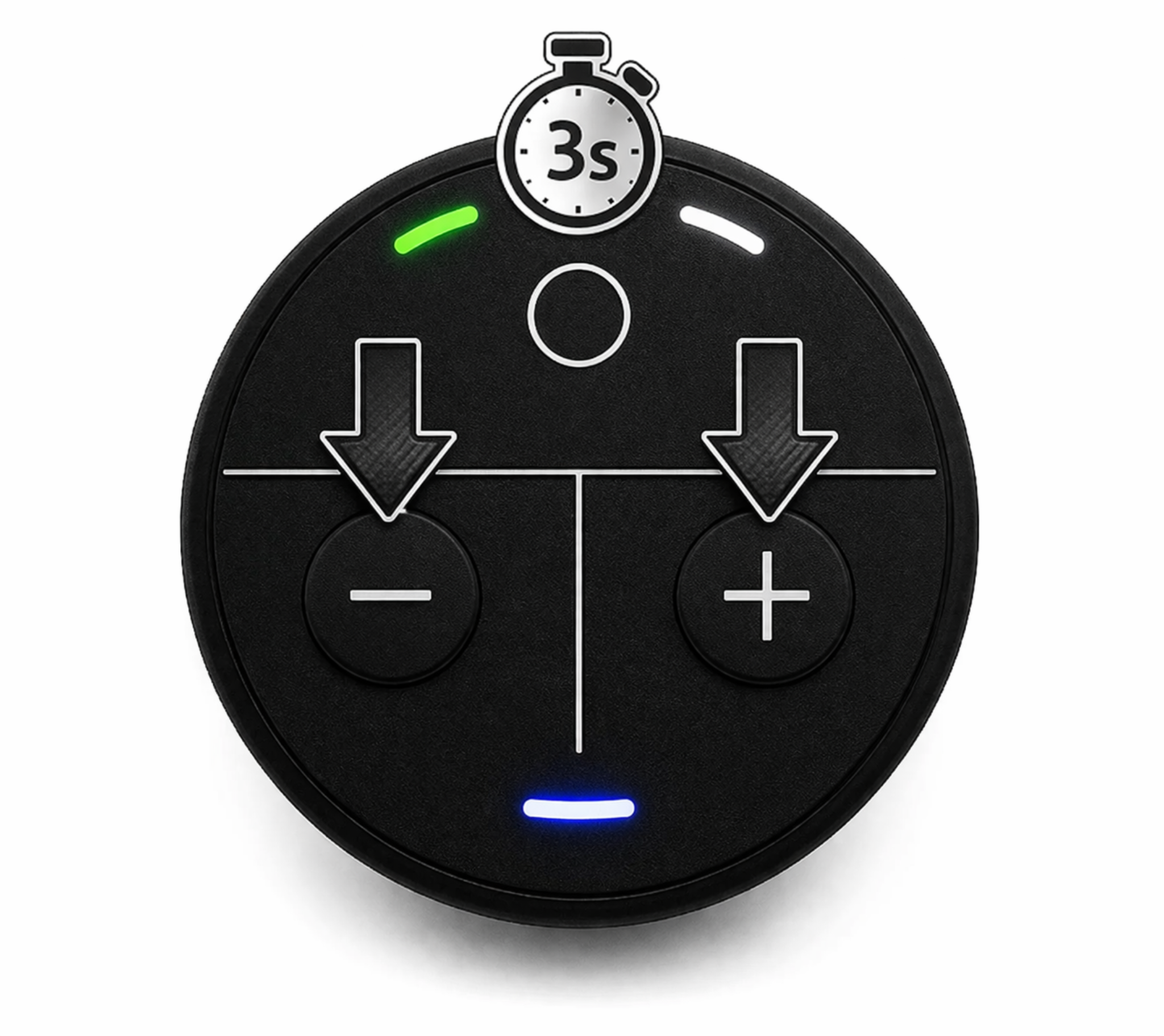
8 Press “+” and “-” together for 3 seconds to start a test run. This procedure is essential during initial setup.
optional
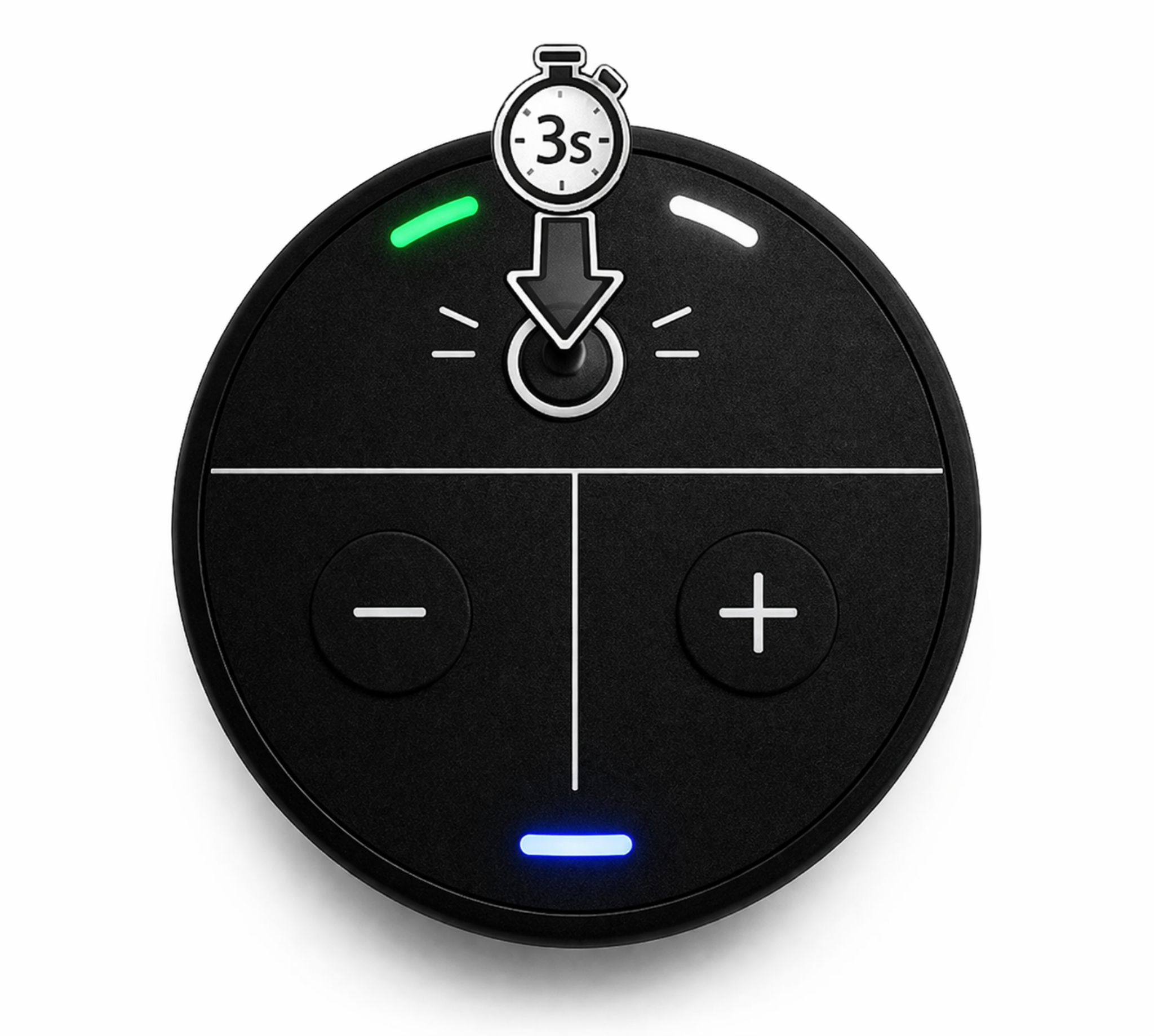
9 Press and hold the “O” button for 3 seconds to check the battery level. The device will blink up to 10 times; each blink represents 10% of the remaining battery.